My Week · Run the Week
Know the call. Be ready for the music.
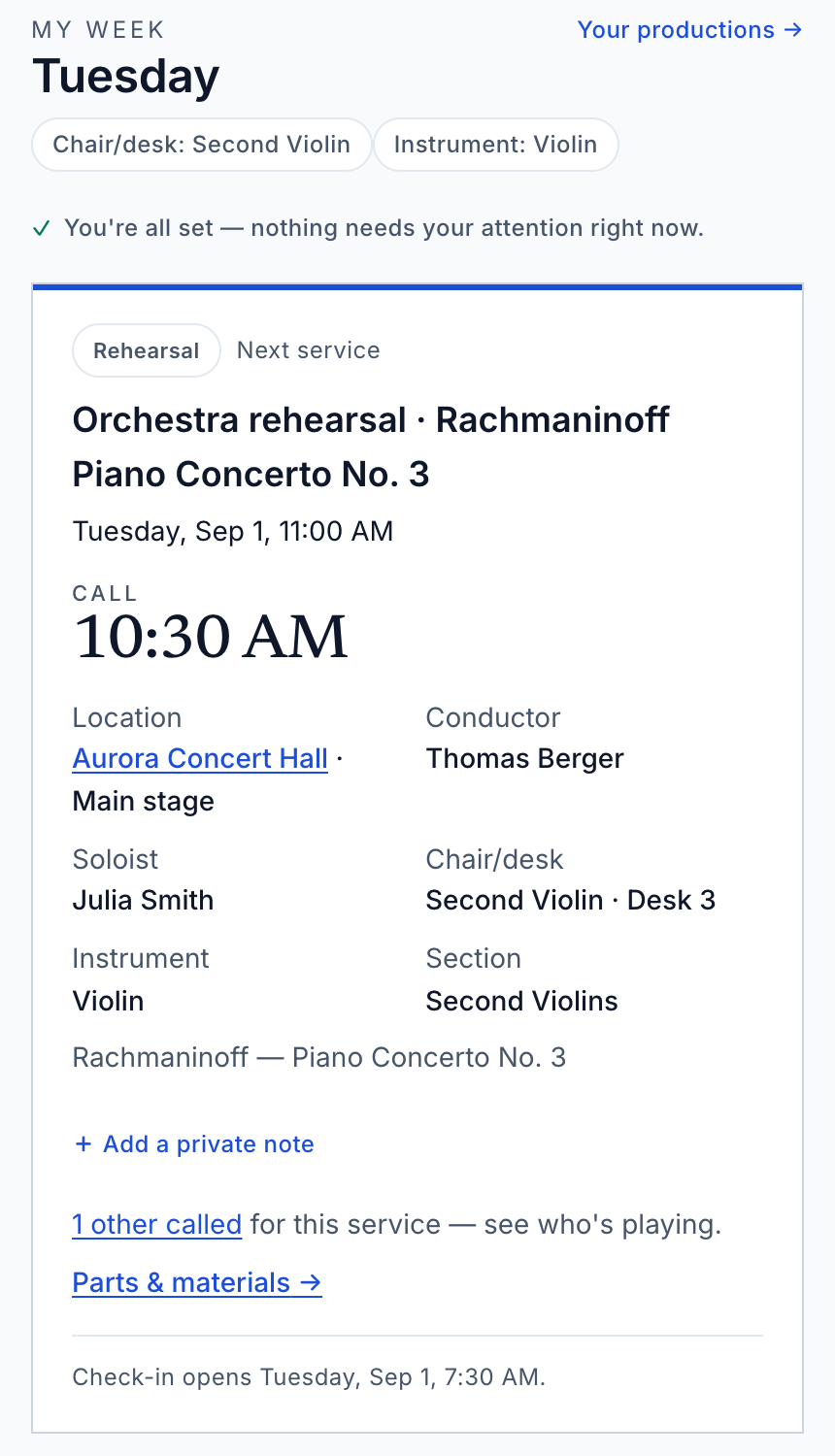
Your calls, confirmations, and permitted materials, together in My Week. Sign in with the account your organization invited and open your member workspace.
Your organization provides access. Members do not buy a separate My Week subscription.
Request access for your organization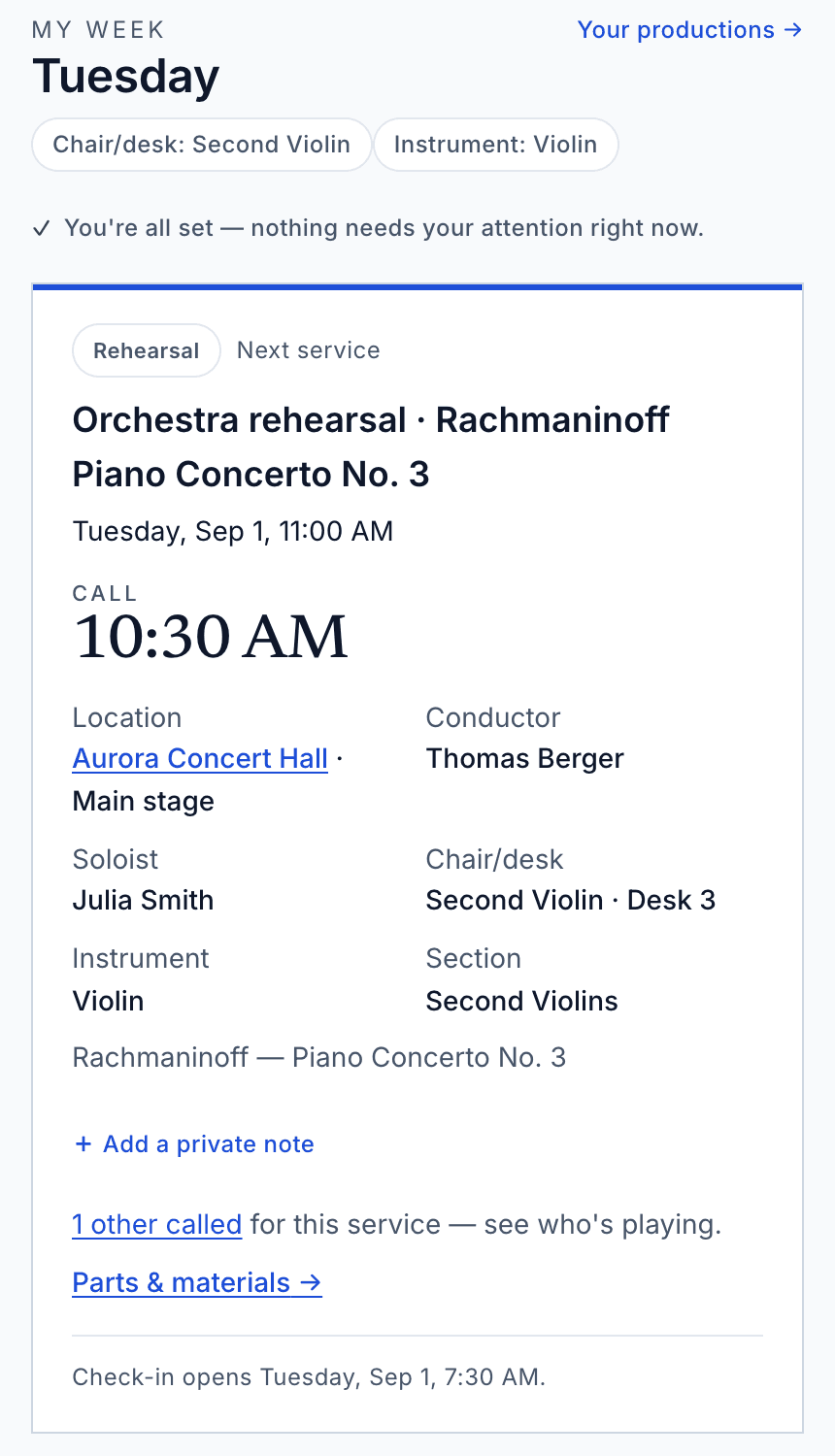
Open full-size workspace image
For musicians and invited members
Less searching. More time to prepare.
- When and where
- See call times in the organization’s local time, the venue, and rehearsal or performance details. Dress and seating appear when the office has provided them.
- What needs a response
- Confirm or decline your assignments, acknowledge schedule changes, and respond to announcements that require your acknowledgement.
- Parts and materials
- Open the documents available to your membership and acknowledge them when requested. Permission, rights, and expiry rules still apply; downloads are not always available.
- Your own notes
- Keep a private reminder attached to a call. Your personal notes are separate from the instructions shared by the office.
Your access
Invited into the work.
How do I get into My Week?
Your organization invites you. Follow its invitation, then sign in with the same account. Access depends on your membership and the organization’s subscription; if your workspace is missing, contact your personnel manager.
What about guests and substitutes?
Temporary assignments can have an access window. My Week shows the relevant access information; once that window ends, calls and materials may no longer be available.
For the office
Plan the week. Give members their view.
Production Desk is where staff prepare services, assignments, and shared information. My Week brings the permitted details to the people doing the work.
Explore Production DeskTry the musician view
Open the sample week and choose the musician view. It is an illustrative walkthrough, with no sign-in and no changes to a real organization.
Open the sample week