For institutions
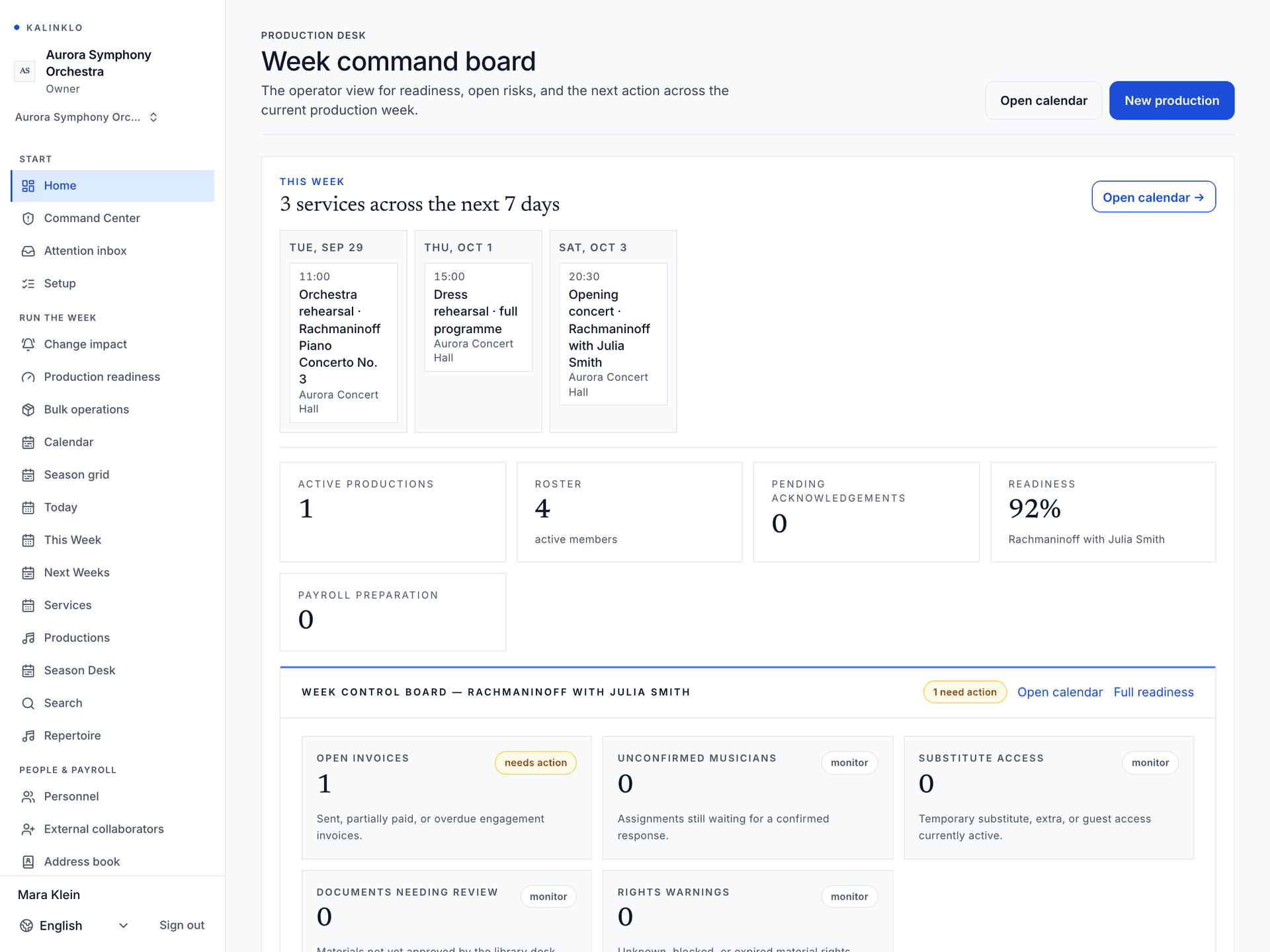
From programme to stage. Everyone knows their part.
Connect artistic planning, production teams and invited musicians. Keep bookings and commercial records in the workspace responsible for each engagement.
Built for Conservatories & universities · Opera houses · Festival networks
Open full-size workspace image
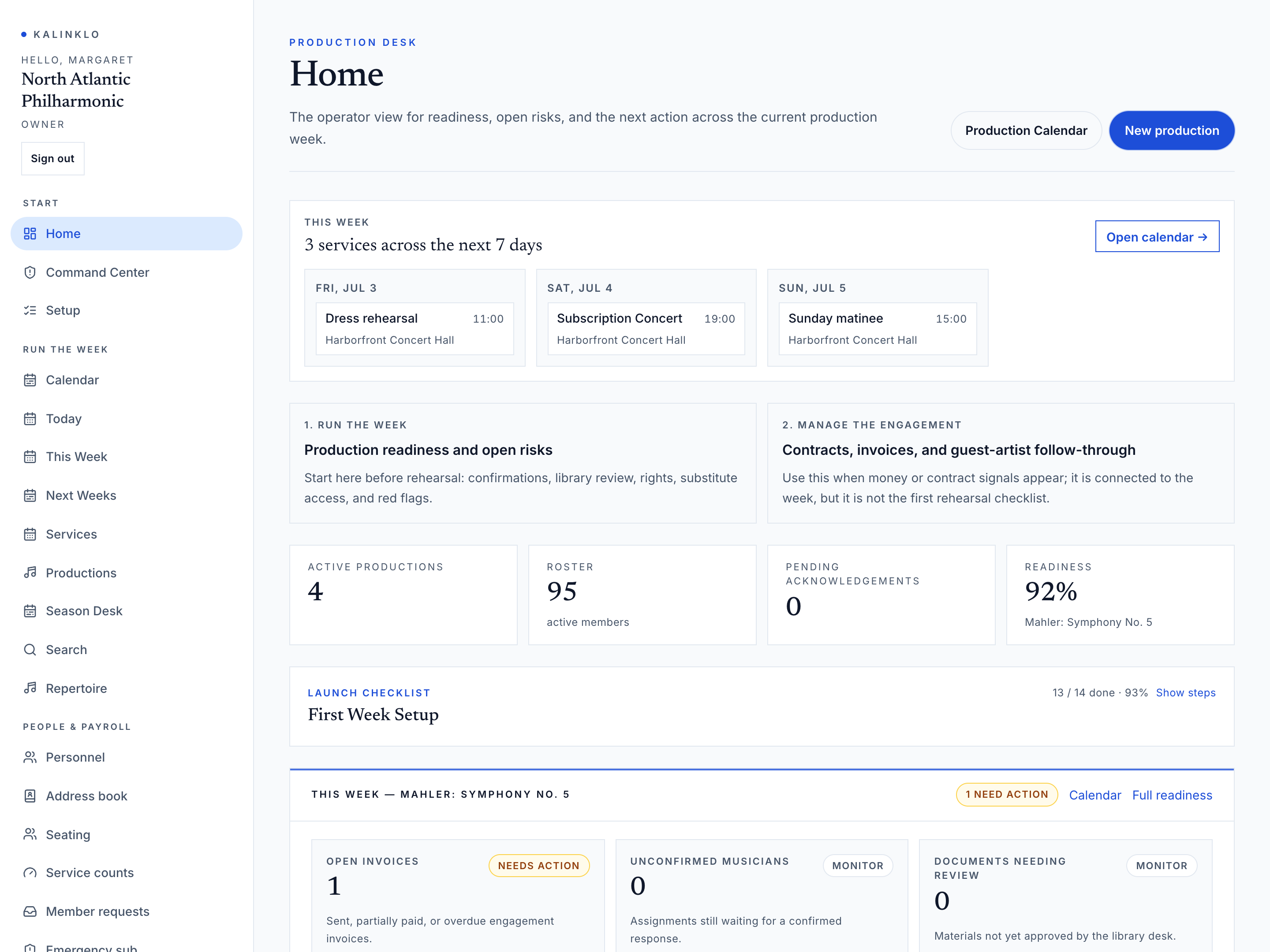
The right workspace for each responsibility.
Season Desk
Bring open slots, artist shortlists, holds, and budgets into one presenter workspace. Follow the engagement from the first request through contracts and invoices.
Explore this workspaceProduction Desk
Plan the production with your team. Give each musician the calls, approved materials and changes that apply to them.
Explore this workspaceReports & Proof
Export permitted organization data as CSV files or PDF report packs for review. Access depends on your organization and staff permissions.
Explore this workspace
Give procurement a clear starting point.
Review access controls, data handling and rollout requirements before choosing a plan. Enterprise agreements are quoted for the scope agreed with your institution.
Review enterprise requirementsAccess model
Private by default, scoped by the actual work.
Staff access follows configured roles. Members and substitutes see the productions and materials their assignments and document permissions allow.
Which workspace will my team use?
Tell us whether you need presenter booking, organization production planning, or both when requesting access. We review your workflow and plan needs; one workspace does not automatically grant access to the other.
Is SSO included for every organization?
SSO and SCIM are controlled enterprise capabilities. Availability requires approval and testing with your identity provider; they are not enabled for every workspace.
Get started
Ready when you are.
Start with your team’s responsibilities, venues and access needs. For setup guidance, read the Help Center article.
Access is reviewed. Available tools depend on your plan and workspace permissions.