artists · agencies · presenters
Manage the Engagement. Keep the relationship.
Keep availability, requests, terms and booking records together, with a workspace for each side of the engagement.
Your work. Your workspace.
Studio
Your profile, availability, incoming requests and booking records, in one private workspace.
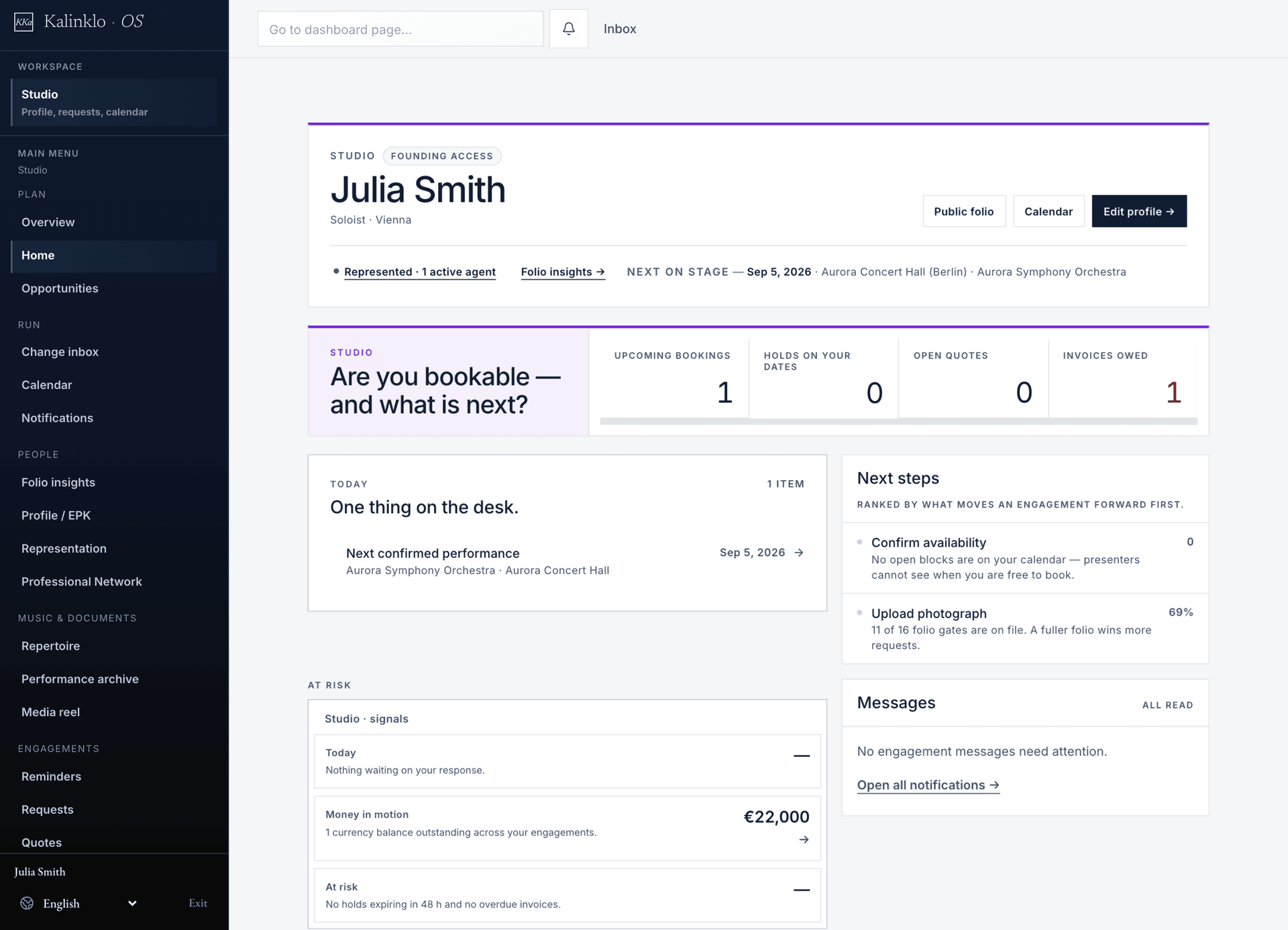
Open full-size workspace image
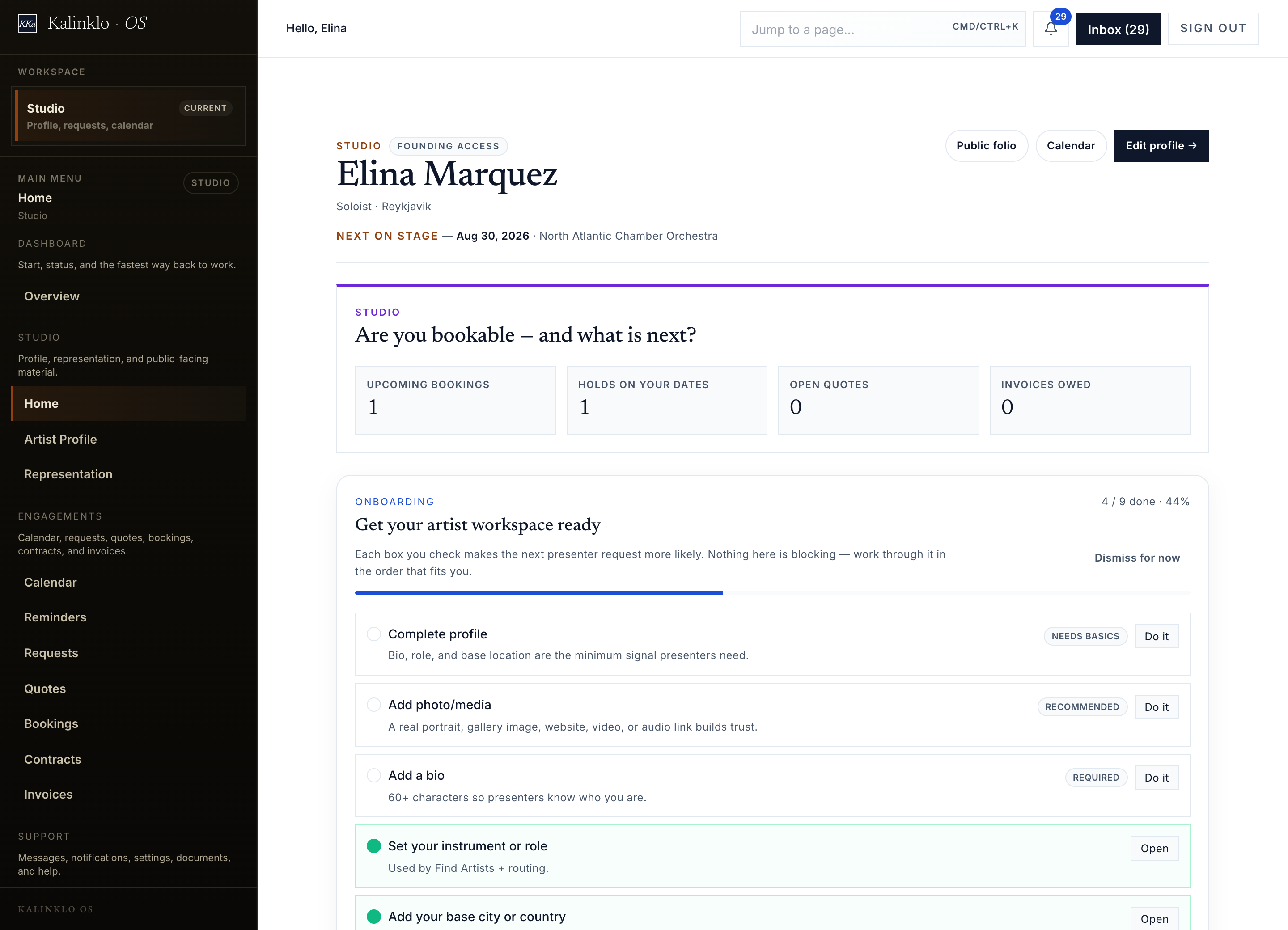
How it flows
From first request to closed record
Start a request
Start with dates, programme, venue and commercial context. Add production context when relevant.
Hold and quote
Review availability, place a hold, return terms, and keep notes private.
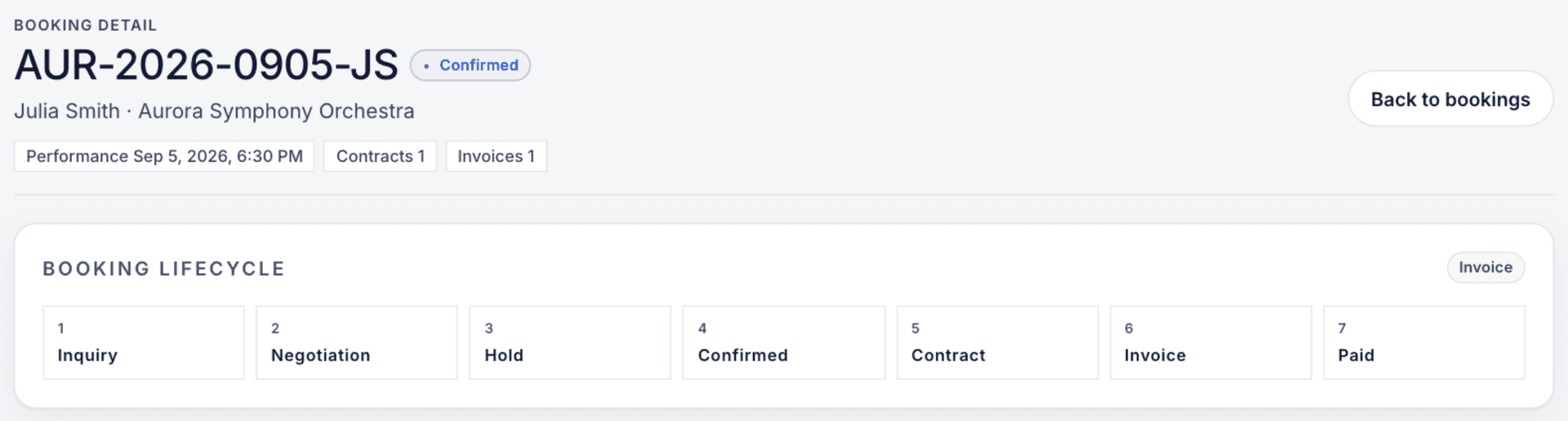
Contract, invoice, settle
Track contracts, invoices and settlement records, with separate steps for signing and payment.
Booked. Then connected, by choice.
These workspaces can operate independently of Production Desk. When a confirmed booking needs an organization production, authorized staff review and confirm the handoff. Contracts, invoices and settlement remain in the booking workspace.
See how the production handoff worksWhat Manage the Engagement replaces
From scattered correspondence to a clear booking record.
Today
Requests and contracts scattered across email
On Kalinklo
A booking record with stage history
Today
Availability separate from booking
On Kalinklo
Availability and holds linked to requests
Today
Commission tracked by hand
On Kalinklo
Commission attached to engagement
Today
Settlement outside the booking trail
On Kalinklo
Commercial close on one ledger
Access model
Commercials stay private while work stays connected.
Fees, commissions, contracts, invoices, and settlement are limited to authorized staff and counterparties.
Organization
Sees the engagement and production context it owns.
Agency
Sees routed requests, roster, commission, and its side of the record.
Artist
Controls profile visibility, approval, and their engagement view.
Audit
Stage changes, document actions, and approvals are logged.
Get started
Keep your next engagement connected.
Access is approval-gated and reviewed by hand. For a closer reading of this workspace, see the Help Center article.
Access is reviewed. Representation and managed services are separate arrangements.